
Fixing VPN Startup Issues Caused by iOS 18 MDM

longl
If LetsVPN fails to start after upgrading to iOS 18, this article will guide you through the solution.
The iOS 18 system has introduced a bug where existing MDM (Mobile Device Management) profiles on a device can prevent VPN applications like LetsVPN from starting correctly. This is an issue within the iOS system itself. If you are experiencing this problem, you can resolve it by removing the conflicting MDM profile.
How to remove the MDM profile:
- Go to your iPhone’s Settings.
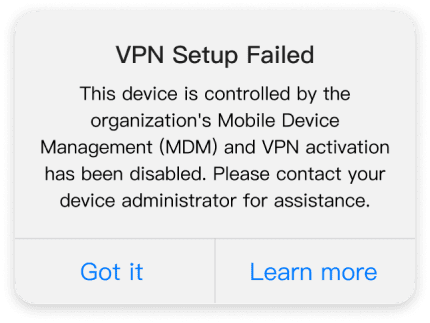
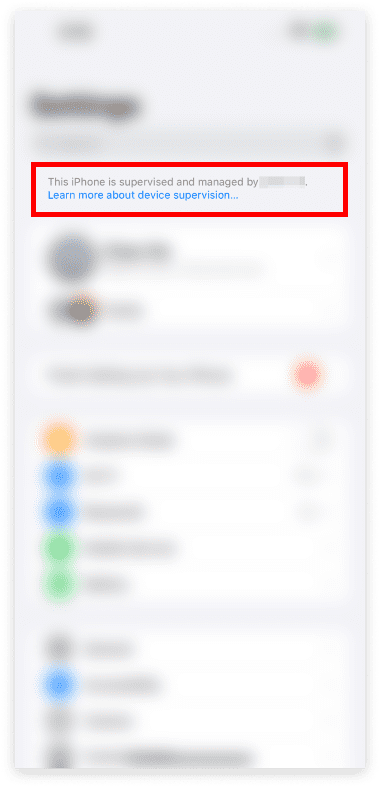
- Tap on General, then find and tap on VPN & Device Management.
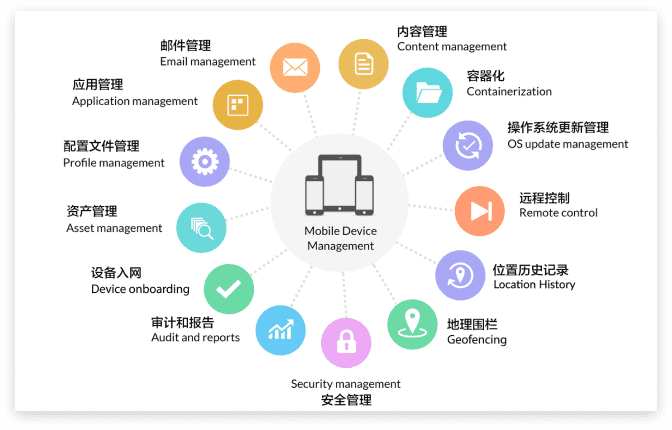
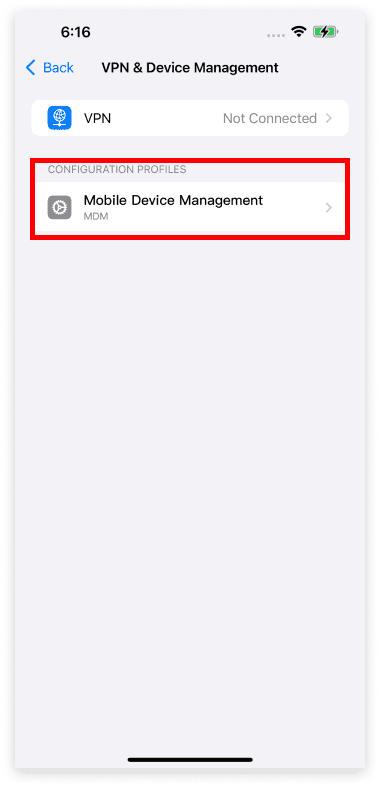
- Under the ‘CONFIGURATION PROFILE’ section, you will see the installed MDM profiles. Tap on the profile you need to remove.
- Tap Remove Profile. You will be prompted to enter your device passcode to confirm.
- After the profile is removed, please restart your iPhone.
- Once your device has restarted, open LetsVPN. It should now start up normally.
If you continue to experience issues after following these steps, please don’t hesitate to contact us via the online customer service in the LetsVPN app or by sending an email to letsvpn@rbox.me. Our professional technical team will provide further assistance.
这篇文章是否解决了您的问题?